Clipboard
A history of text and pictures with search and pins. A click pastes an entry into the window you were typing in.

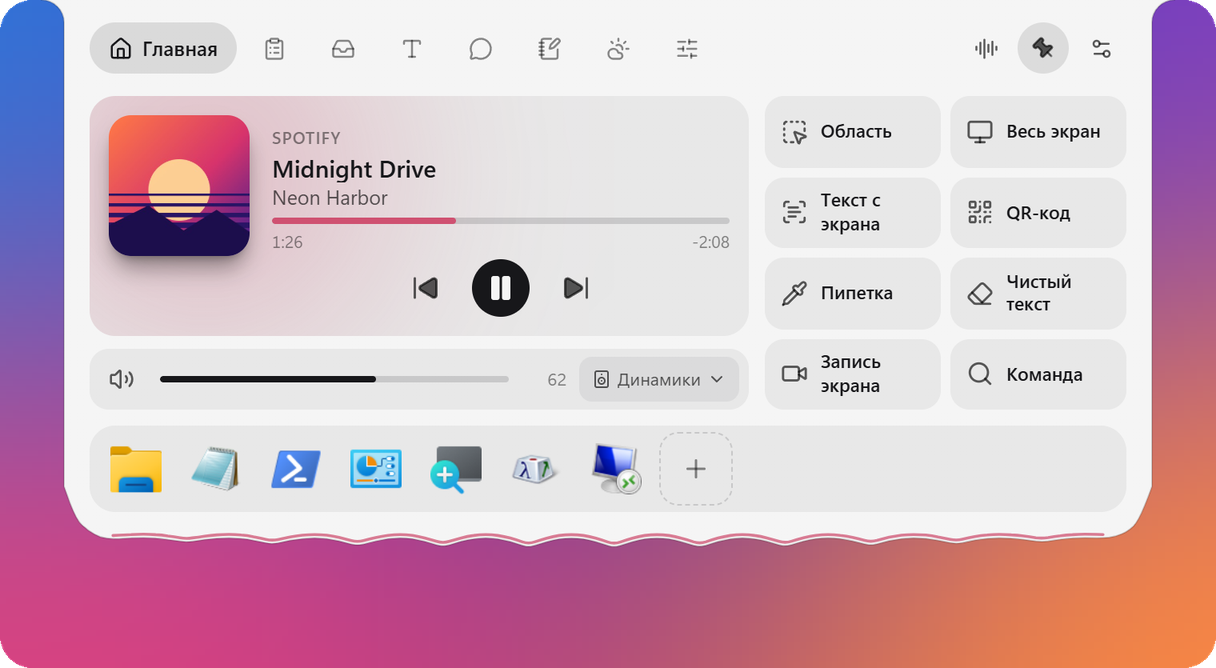
A liquid black pill at the top of your screen. It shows what is happening right now: music, downloads, a timer, your AI agent's questions. Reach for it, and it opens into a set of tools.
Island runs on Windows: open this page on your PC to download it.
It reaches for the cursor, plays your music and opens when you hover: AI chat, control centre, downloads. It hides behind the edge of the screen and comes back, and the characters follow your cursor. All without taking the focus from the window you type in.
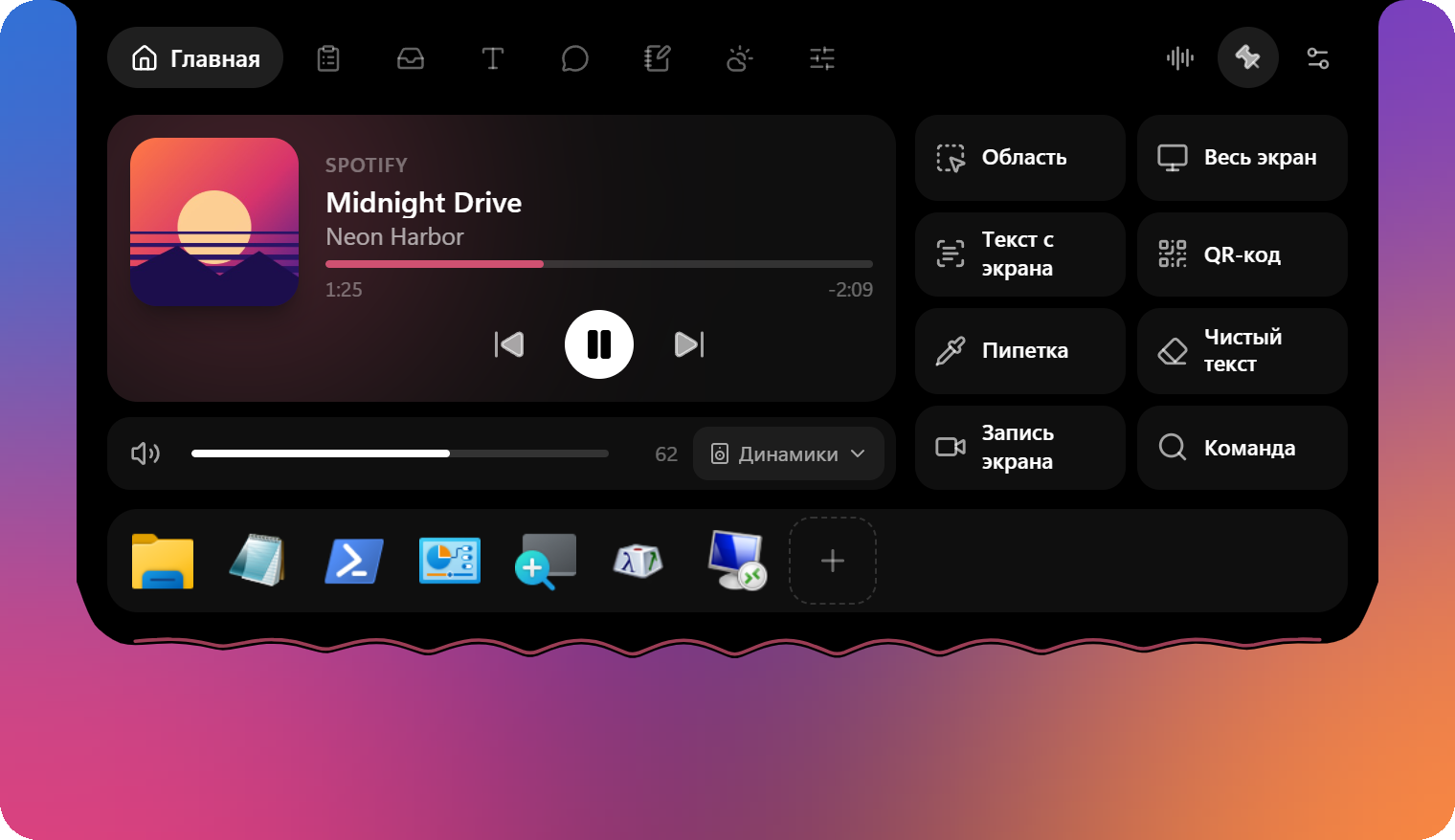
A history of text and pictures with search and pins. A click pastes an entry into the window you were typing in.
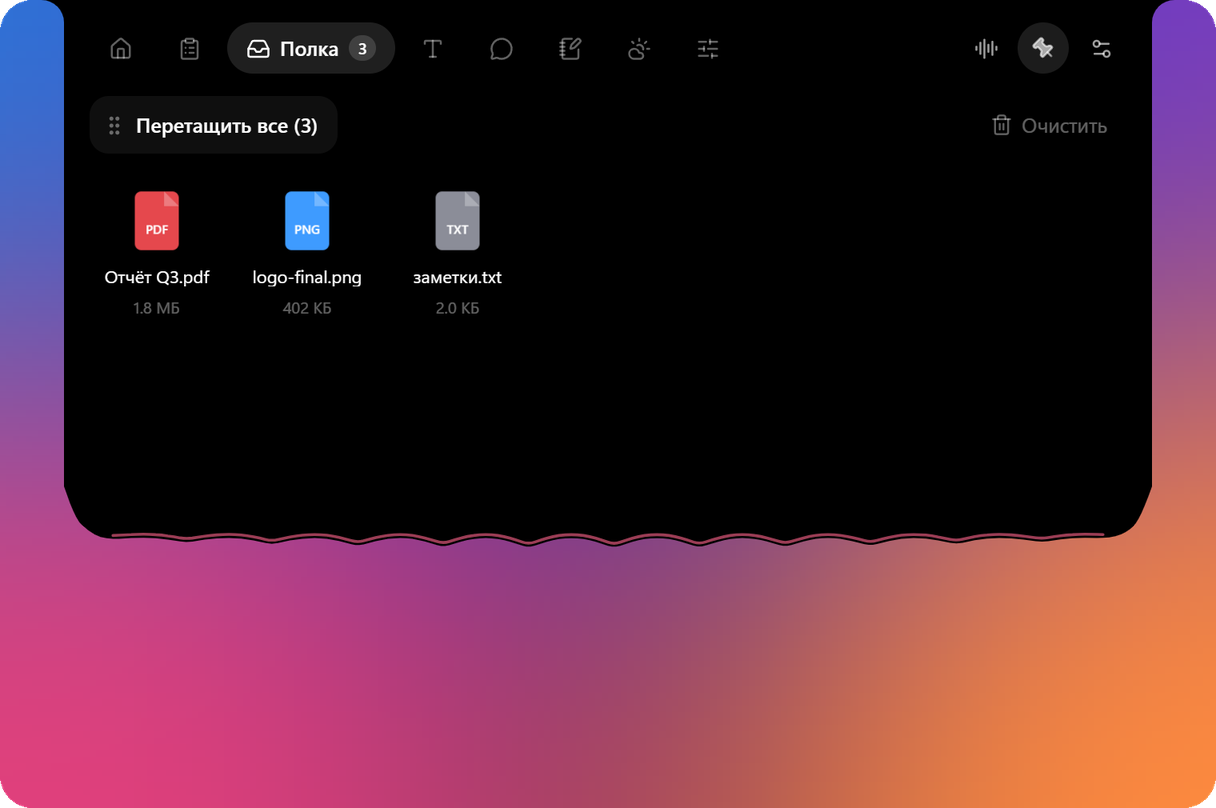
Drop files on the island, and they wait there until you drag them into the right window.
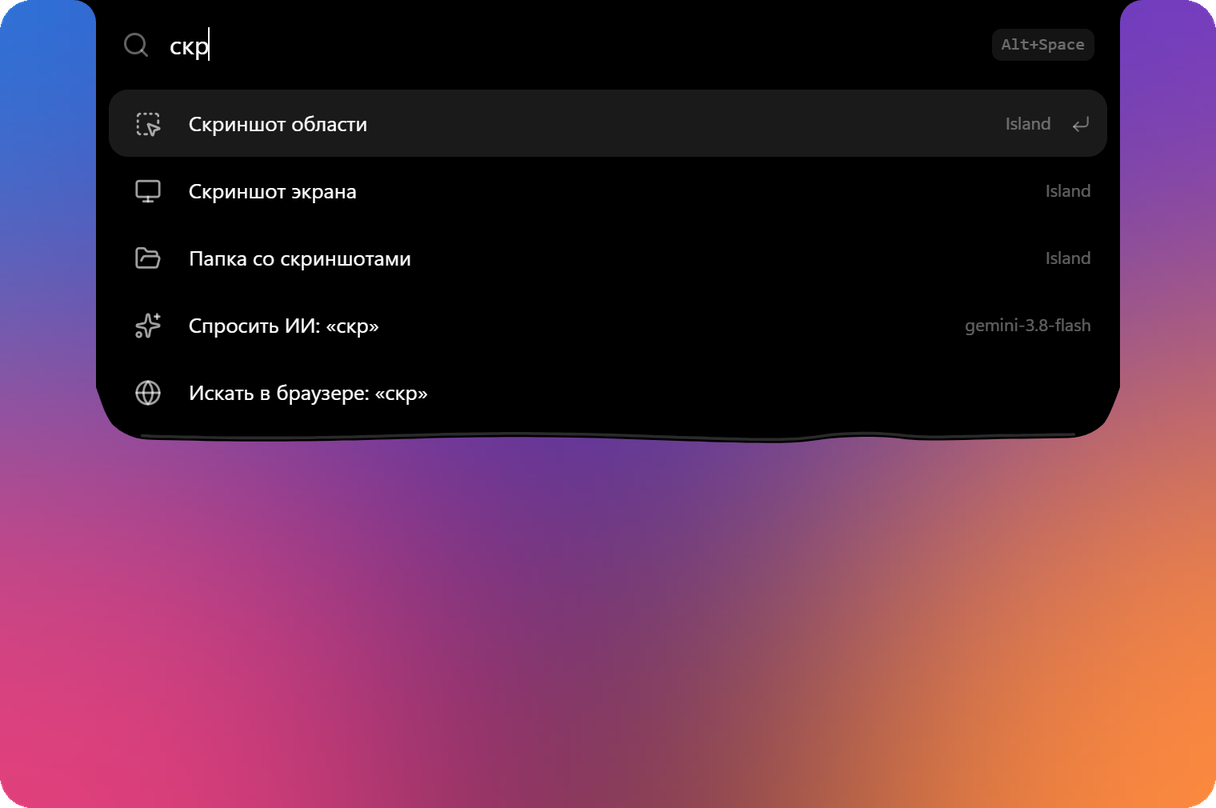
Programs, files, a calculator, currencies, “timer 10 min” and “remind me to call mom tomorrow at 9”.
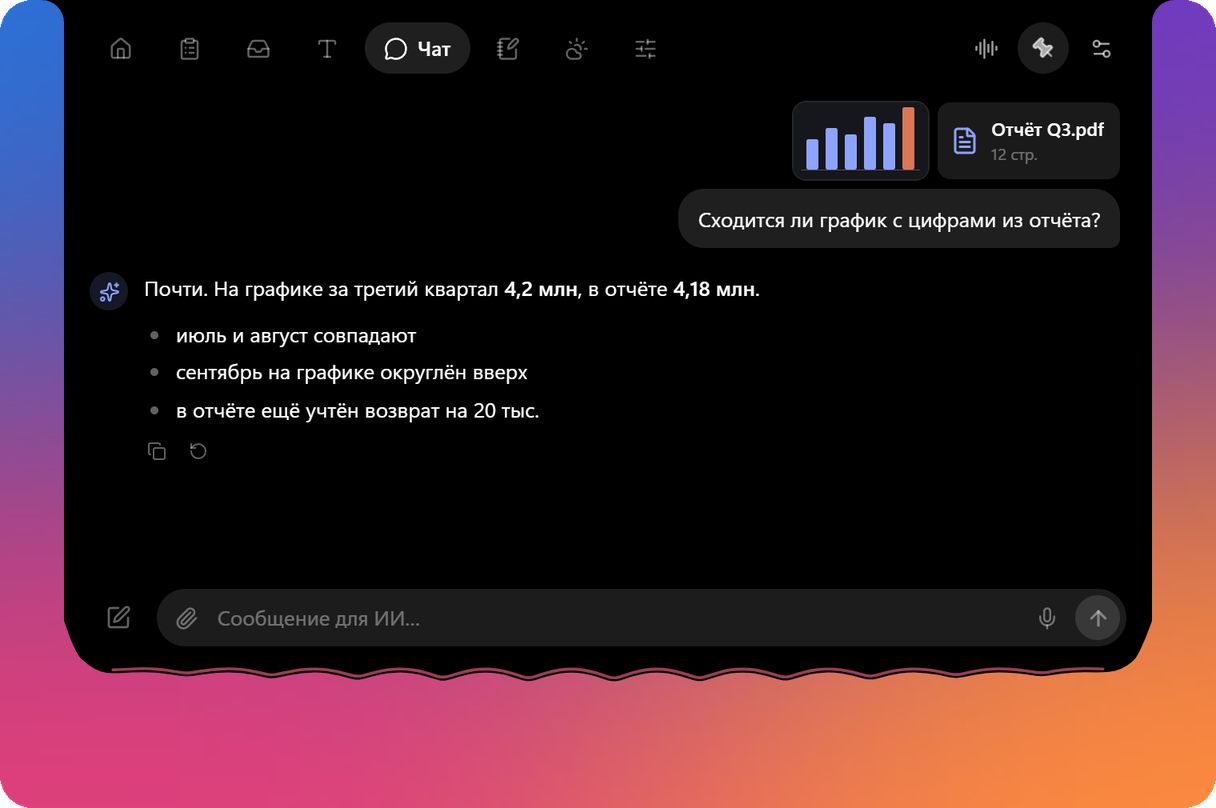
A conversation that keeps its context. Attach pictures, PDF, Word and Excel. The key is your own, and free services connect in one click.
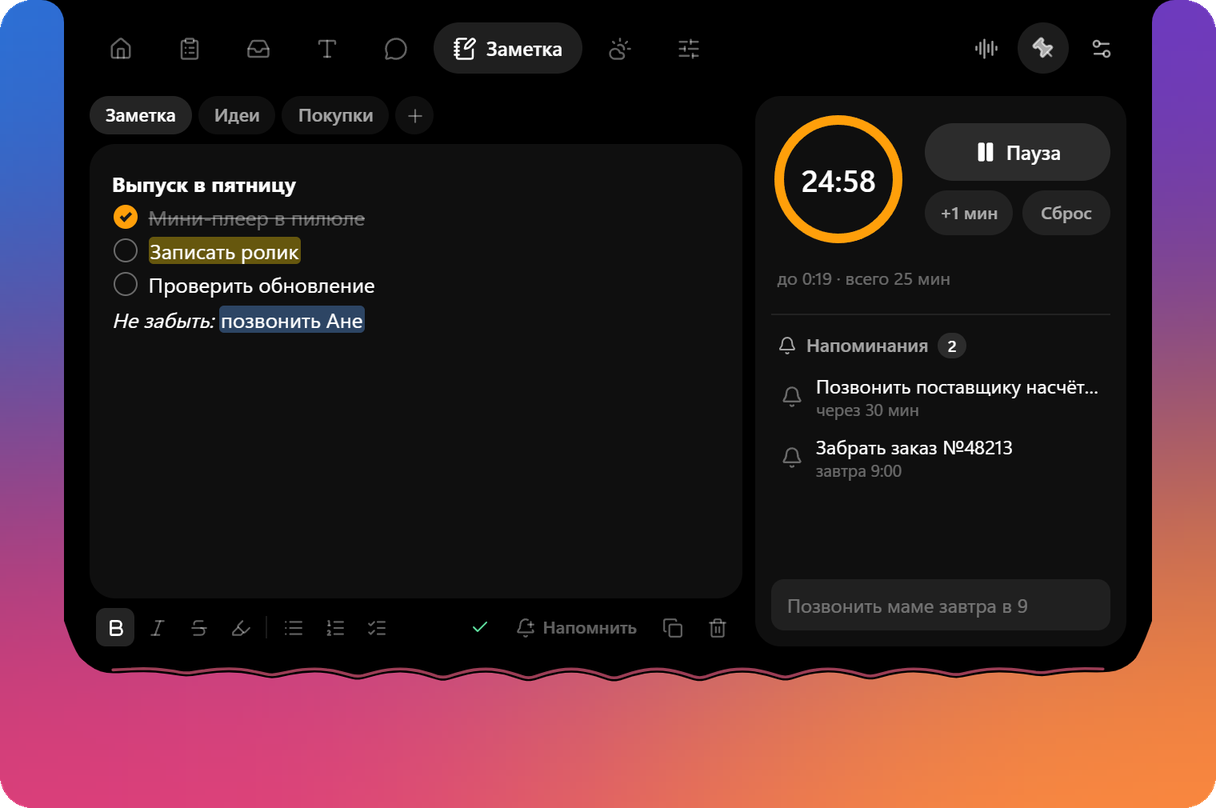
A note with formatting and folders, a timer right in the pill and reminders in one phrase: “pills every day at 11 pm”.
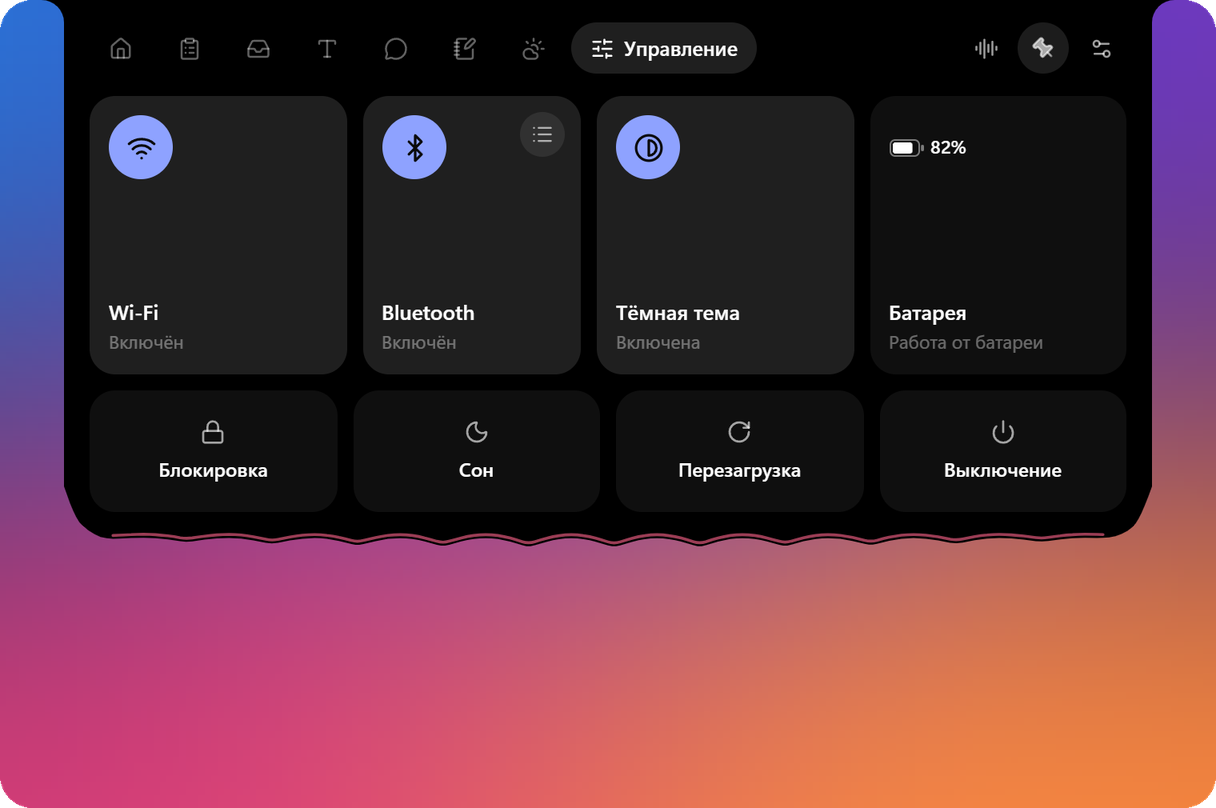
Wi-Fi, Bluetooth with headphones in one press, VPN clients and the dark theme of Windows.
A sky to match the weather, 24 hours and a week ahead, and a heads-up about an hour before the rain.

Dark, light or as in Windows. The island from 80 to 200 % — for big monitors.
Claude Code and Codex tell the island what they are doing: working, waiting for you, done. Allow or deny a command, pick one of the options — without switching to the terminal.
Try it: press the buttons on the island's card.
Wants to run a command
git push origin main Which branch should I deploy?
They dance to the music, think along with the AI, follow your cursor with their eyes and fall asleep when you are away. Three of them are free.
For the first 14 days all of Pro is open, so you can try everything before you buy. After that the free part keeps working, and nothing you saved is lost.
Island
Free
Island Pro
$4.99once
Paying with a Russian card? Pay 399 ₽
The key never expires, is checked on your computer with no internet and fits all your computers. Paste it into “Settings → Island Pro”.
What people ask most: installing, updates, Pro and your data.
That is how Windows greets new programs without a paid publisher certificate. Click “More info”, then “Run anyway”. Island installs its updates by itself and checks their signature first.
Windows 10 or 11, 64-bit.
You do not: Island looks for a new version at start and every 6 hours, shows an “Update” card and installs it itself.
The key comes by email to the address you give when you pay (with Lava it is on the purchase page too). Paste it into “Settings → Island Pro”. The key is checked on your computer and is sent nowhere. No key? Write to support on Telegram: @dynamicislandsupport.
Everyone brings their own AI key; none is built into the program. The settings list ready services, free ones too: connecting takes a minute.
The clipboard, the shelf, the note and the chat stay on your computer. Keys are encrypted by Windows. Only what you turned on goes online: requests to your AI service, the forecast for your city, the update check.
In full-screen programs the island hides by itself. There is also auto-hide, a click-through mode and a list of programs where it should not show.
